Google Business Profile: How to Fill In and Optimise Your Profile Step by Step
Author: Viktor Bobiński

Your Google Business Profile matters more than your website. When someone searches "restaurant near me" or "hairdresser London" on their phone, the algorithm decides in a fraction of a second which profiles appear at the top of the map. It doesn't look at your website design. It looks at how well you filled in your profile — and how actively you maintain it. This article walks you through the entire process, from zero to a fully optimised listing.
What is Google Business Profile and why does it matter?
Google Business Profile (formerly Google My Business) is a free dashboard where you define how your company appears in Google Search and Google Maps. When a customer searches for a product or service nearby, your listing delivers the name, address, opening hours, photos and reviews — before they ever reach your website. For most local businesses, this panel is the first and often the only point of contact with a new customer.
How is a business profile different from a website?
A website requires the customer to click a link, load a page and find opening hours or an address on their own. A Google Business Profile delivers that information instantly — right in the search results card, without any extra clicks. What's more, a profile on Google is indexed separately and can rank higher than your own website for local phrases. A restaurant with a well-maintained listing will capture "pizza near me" searches faster than through website optimisation alone.
How does your listing affect Google Maps results?
Google Maps and local results are driven by the so-called Local Pack — a set of three businesses that the algorithm considers most relevant for a given query. Whoever lands in that pack captures the lion's share of clicks. The algorithm weighs three factors: relevance (does the profile match the query), distance (is the business close to the searcher) and prominence (is the profile complete, active and well-reviewed). You can directly control two of those three factors through your dashboard.
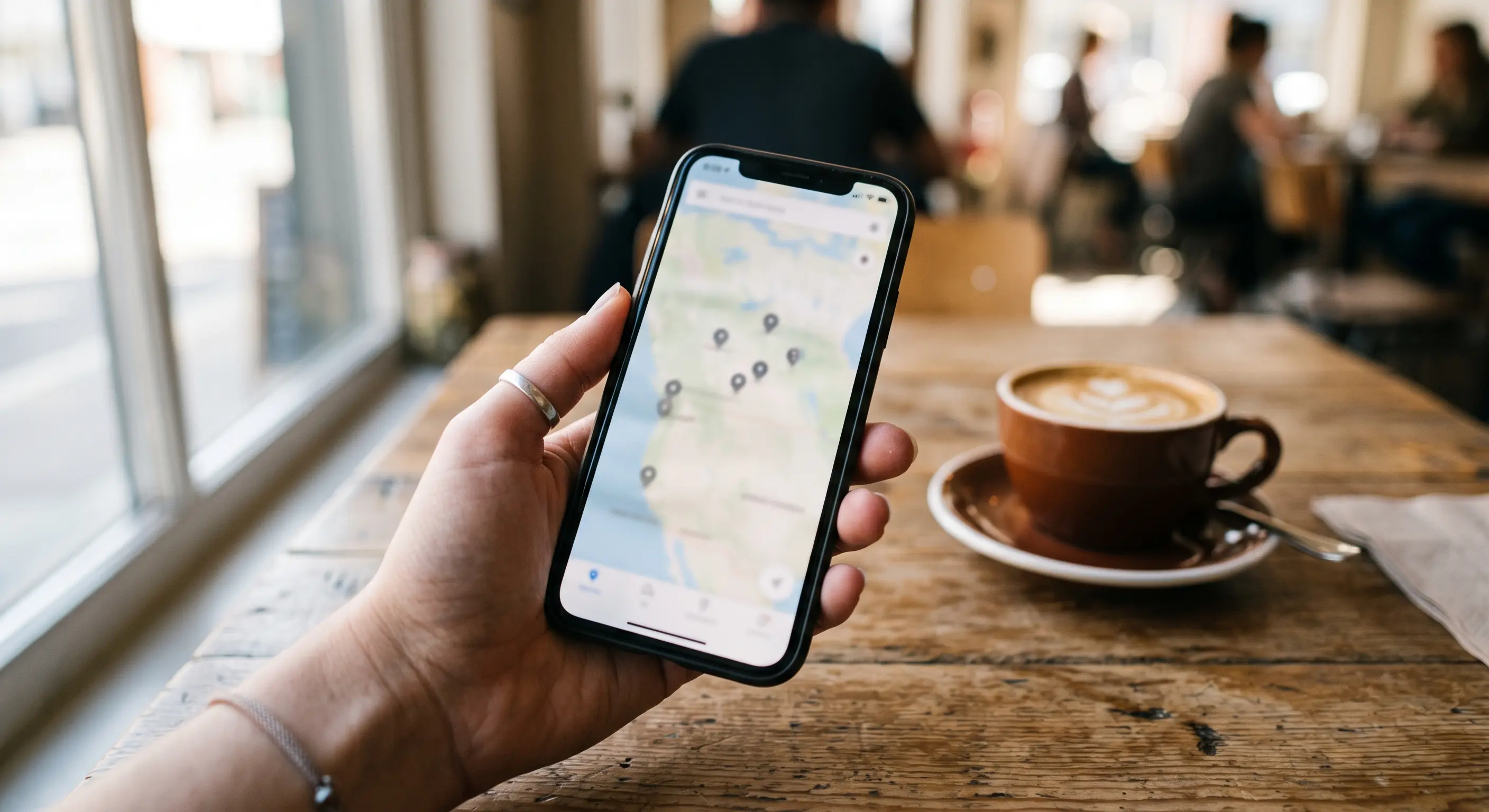
How to create and verify your Google profile?
If your business doesn't have a profile yet, start by going to business.google.com and signing in with a Google account. One Google account can manage multiple locations, so you don't need separate accounts for each branch. The registration process takes about fifteen minutes. Verification may take longer — Google needs to confirm that the business actually operates at the given address.
Registering a new listing — step by step
During registration Google asks for several key details. Enter them accurately — every field can be edited later, but consistent data from the start shortens verification time and builds the algorithm's trust.
- Go to business.google.com and click "Manage now".
- Enter your business name — exactly as it appears on your sign and receipts.
- Choose your primary category (e.g. "Restaurant", "Hair salon").
- Add your address or indicate that you serve customers at their location.
- Add a phone number and your website address.
- Choose a verification method and complete the process.
Address verification — what to expect
Most commonly, Google sends a postcard with a PIN code to your physical address. The wait is usually 5–14 days. Some industries and accounts can use faster verification via SMS, a video recording or instant verification through Search — if that option appears on the list, use it first. Until verification is complete, the profile exists but does not appear publicly in search results.

“Your Google profile is a digital shop front — the more information you provide, the easier it is for customers to choose you.”
How to fill in your Google Business Profile step by step?
Profile completeness is one of the most important signals for the local SEO algorithm. Google itself states that businesses with complete information are "1.7 times more likely to be considered reputable". In practice, this means no section should be left empty — because every blank field is an opportunity for a competitor who took the time to fill theirs in.
Name, category and description — what has the biggest SEO impact?
Your business name should match the name you actually use. Don't stuff keywords into it like "Restaurant Maria — pizza London city centre" — Google treats this as spam and may suspend the profile. If your business is called "Restaurant Maria", that's what goes in the name field.
The primary category is the strongest ranking signal of all the profile fields. Choose it precisely. If you run a pizzeria, pick "Pizzeria", not the generic "Restaurant". You can add up to ten additional categories — for example "Italian restaurant", "Bar", "Food delivery" — but never do it blindly. Each category determines which queries you can appear for.
The business description has a 750-character limit. The first 250 characters are visible without expanding, so put your most important information there: what you do, for whom, where and what sets you apart. Weave in keywords naturally — don't force them, because real customers read the description too.
Opening hours, photos and attributes
Opening hours must be current. It's a small thing many businesses neglect — and a customer who arrives at a closed venue will leave a one-star review. Remember to add special hours for public holidays and days off.
Photos have a real impact on clicks. Profiles with at least ten photos generate three times more requests for directions. Add: a main photo (exterior or logo), interior shots, products or services, staff in action. Update them at least once a quarter — fresh photos signal activity.
Attributes are details customers filter by in Search: accessibility for people with disabilities, payment options, Wi-Fi, outdoor seating, parking, vegetarian options. Every ticked attribute increases the chance of appearing for filtered searches. Go through the full list available for your category and tick everything you genuinely offer.

Take care of your Google Business Profile
and climb higher in the rankings
Sign up and get a free course — learn how to optimize your Google Business Profile yourself, so your business appears higher in local search results.
No spam. Unsubscribe anytime.
What affects your position in Google Maps?
Your Google Maps ranking isn't random. The local algorithm calculates it from dozens of signals, but three groups matter most. Understanding their hierarchy lets you focus effort on actions that actually produce results, rather than wasting time on cosmetic tweaks.
The three main Google ranking signals
1. Relevance — how well the profile answers the customer's query. What counts here is profile completeness, category choice, keywords in the description and answers in the Q&A section. Businesses that naturally use the language their customers speak in their posts and descriptions consistently win this signal.
2. Distance — how far the business is from the user or from the location mentioned in the query. You can't directly change this factor, but you can precisely define your service area if you're a mobile business or operate across several neighbourhoods.
3. Prominence — how well-known the business is online. This signal is built from: the number and quality of Google reviews, links to your website from external sources, profile activity and any mentions in local directories (e.g. Tripadvisor, Yelp). Google reviews are the key direct factor here — for more on collecting reviews, see our article on how to get Google reviews quickly.
How to keep your profile regularly updated?
Google rewards active profiles. Regular updates signal that the business is operating and cares about its online presence. In practice, a simple rhythm is enough: one photo per week, a post with an offer or update every two weeks, a monthly review of hours and attributes. It's not about the volume of content, but its regularity — a profile that goes silent for three months loses ground to a competitor who posts modestly but consistently.
“Google's algorithm rewards activity — a listing you keep updated works for you around the clock.”
Posts and updates — how to keep your listing active?
Posts on Google Business Profile are short updates visible directly in the business knowledge panel — right below the photo and rating. You can share news, offers, events and products there. Most local business owners don't use this feature at all, making it an easy advantage over competitors. A post expires after seven days (offers have their own duration), so posting regularly isn't optional — it's necessary if you want this element to remain visible.
How often should you publish posts on Google Business Profile?
The optimum for most local businesses is one post per week. That's enough to keep the posts section always filled with current content. If you run a food business, publish the daily menu or weekend specials — customers search for exactly that kind of information right before deciding where to eat. A hair salon can post available appointment slots or current promotions. A clinic can share health tips or information about new treatments. Content should be useful, not purely promotional.
What content engages local customers best?
The best-performing posts answer a specific question or need at a given moment. A few formats proven in local marketing:
- Time-limited offer — "20% off treatments until Friday" with a "Book now" button.
- New addition — a new dish, treatment or product with a photo.
- Practical update — changed hours, maintenance break, parking info.
- Behind the scenes — anniversary, industry award, new team member.
- Question for customers — "Which option do you prefer?" — increases engagement.
Add a photo to every post — posts with images generate many times more views than text alone. Use call-to-action buttons: "Call", "Book", "Learn more", "Order online". Every click on a button is an engagement signal that influences the profile's ranking.

Summary — a listing that really works
A well-optimised Google Business Profile isn't a one-off project — it's an ongoing process. You set it up once, but you optimise it continuously: fill in attributes, add photos, publish posts, respond to reviews and answer questions. Businesses that treat their profile as a living communication channel consistently outrank competitors in local results. Collecting Google reviews is an inseparable part of that work — the more recent reviews you have, the stronger the prominence signal for the algorithm. If you want to automate this, see how the Starlinkee NFC stand works — the customer taps their phone and lands straight on the review form, no searching required.
FAQ — Frequently asked questions
- Is Google Business Profile free?
- Yes, creating and managing a Google Business Profile is completely free. Google does not charge for showing your business in local results or for using posts, photos or review responses.
- How long does Google listing verification take?
- Postcard verification usually takes 5–14 business days. If SMS or instant verification is available, you can activate the profile within a few minutes. Once verification is complete, the profile appears publicly in search results.
- How often should I update my Google Business Profile?
- At minimum, post once a week and review your opening hours once a month. Update photos at least quarterly. After any change to your offer or hours, update the profile immediately — outdated information discourages customers and leads to negative reviews.
- Can I add keywords to my business name on Google?
- No. Google requires that the name in the listing matches your real business name. Adding keywords to the name (e.g. "Hairdresser Jane — hair salon London") violates the guidelines and can result in a suspended profile or a ranking penalty.
- Is it worth responding to all reviews — including positive ones?
- Yes. Responding to reviews (both positive and negative) is an engagement signal that Google factors into its assessment of profile activity. A short, personalised reply to a positive review also builds customer loyalty and encourages others to leave their own feedback.
Viktor Bobiński
Starlinkee
Founder of Starlinkee and an expert in marketing, sales and IT. He specialises in NFC systems for collecting Google reviews and profile-ranking strategies for local businesses — from restaurants to salons and reception desks.